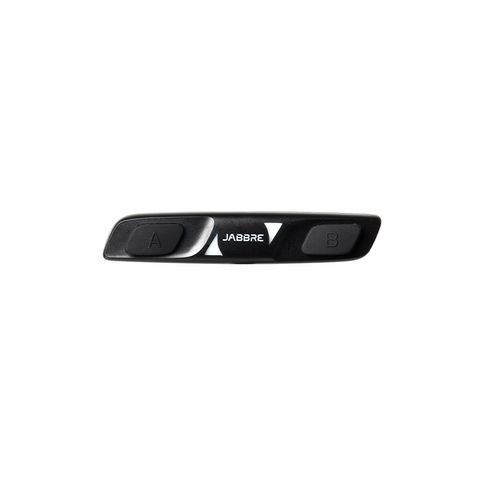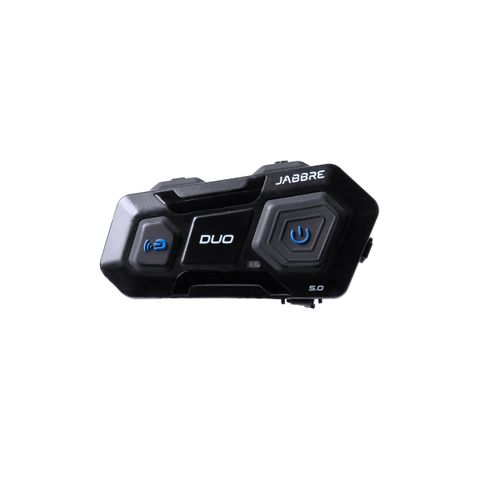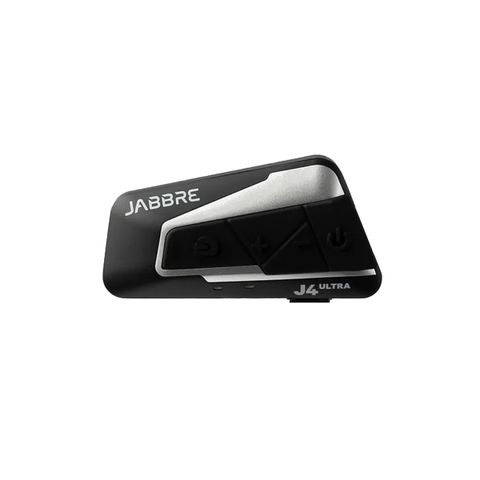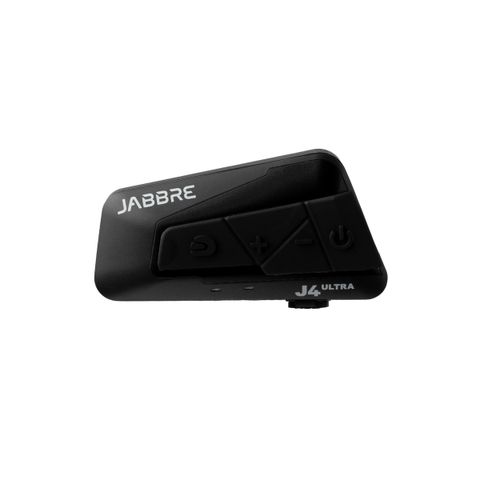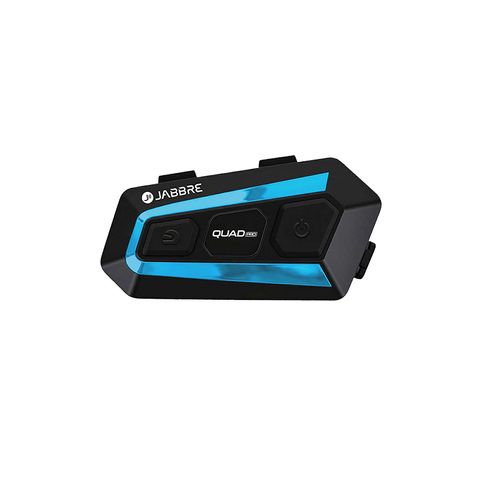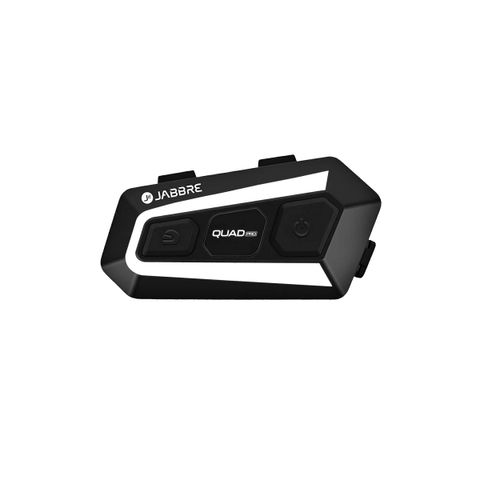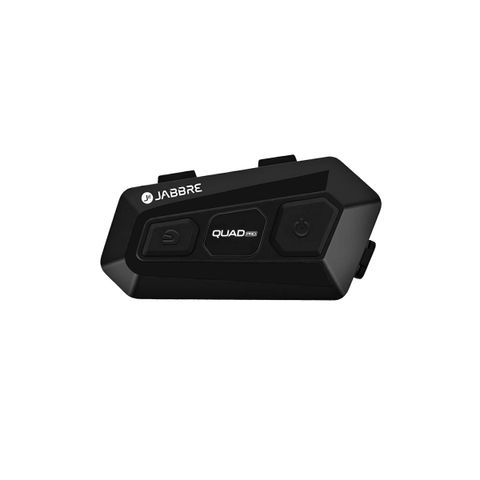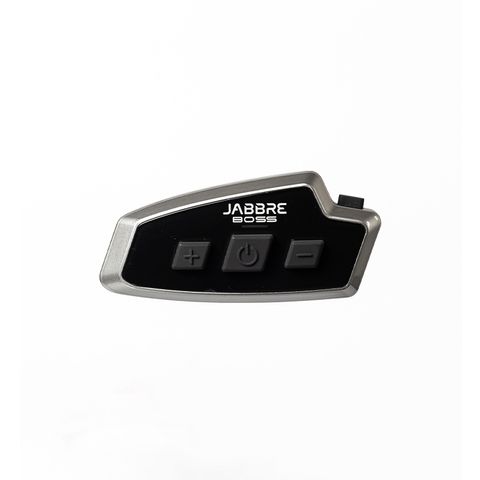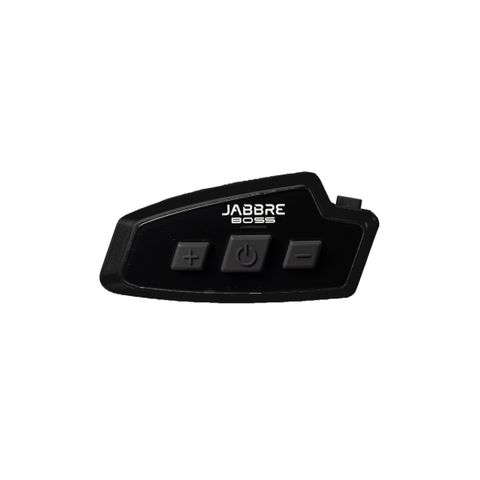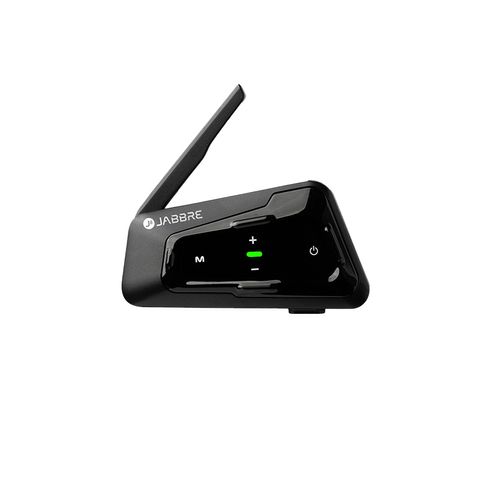
Motorcycle intercoms have traditionally been about talking to other riders. But with smartphones becoming more intelligent, your intercom can also become a hands-free gateway to AI.
For Android users, Jabbre's Voice Assist feature can be used with the phone's digital assistant, including Gemini, allowing riders to interact with their phone using their voice rather than reaching for the screen.
Google confirms that Gemini can be accessed hands-free through compatible Bluetooth accessories when Gemini is set as the phone's primary digital assistant. (Google Help)
Here's how to get started.
Step 1: Connect Your Jabbre to Your Android Phone
First, pair your Jabbre intercom with your Android phone through Bluetooth.
Make sure the intercom is properly connected and that you can hear music or other phone audio through your helmet speakers.
For the best experience, do the initial setup before you start riding.
Step 2: Set Gemini as Your Digital Assistant
On your Android phone, open the Gemini app and make Gemini your primary digital assistant.
Google says that on supported Android devices, Gemini can be activated using “Hey Google” and Voice Match. (Google Guidebooks)
You may need to enable:
Gemini → Settings → Talk to Gemini hands-free → Hey Google
The exact menu can vary depending on your Android phone and software version.
Step 3: Turn On Voice Match
Voice Match allows your phone to recognize your voice when you say “Hey Google.”
Once enabled, you can use your voice to start interacting with Gemini without manually opening the app. Google notes that availability and specific functions can vary by device, language, region and account settings. (Google Help)
Step 4: Use Your Jabbre While Riding
Once your Jabbre is connected, you can use the intercom's voice-assist function to access your phone's assistant, depending on your Jabbre model and phone configuration.
You can then ask Gemini questions or request supported actions.
For example:
“Hey Google, what's the weather in Cebu?”
Or:
“Hey Google, navigate to Ayala Center Cebu.”
Or:
“Hey Google, play my Spotify playlist.”
Gemini can also help with calls, messages, information and other supported tasks. Google currently supports voice-based actions such as making calls and sending messages, although specific capabilities depend on your device and connected apps. (Google Help)
Why Is This Useful for Riders?
The biggest advantage is simple:
You don't have to reach for your phone.
Your phone can stay safely in your pocket or mounted on the motorcycle while your voice becomes the interface.
Instead of:
Stop → Take out phone → Unlock → Search → Tap
you can increasingly do:
Speak → Listen → Ride.
That's particularly useful for navigation, music, calls and quick questions.
Google itself describes Gemini as a hands-free assistant for getting things done while on the move, including navigation, calls, messages and music. (Google Help)
One Important Reminder
Voice assistants aren't perfect.
Wind noise, helmet acoustics, microphone placement and road conditions can affect voice recognition. Some Gemini functions also require an internet connection, and Google's available features can change over time. (Gemini)
So set everything up and test it before riding.
And never use your phone manually while the motorcycle is moving.
Your Intercom Can Be More Than Communication
This is where voice assist becomes interesting.
Your Jabbre can connect you to your riding group.
It can play your music.
It can deliver navigation instructions.
And with compatible Jabbre models and an Android phone, voice assist can give you access to Gemini without constantly touching your phone.
The motorcycle intercom is evolving from a simple communication device into a hands-free entertainment and digital assistant for the road.
Less touching. More talking. More riding.
Jabbre — Make Rides More Fun.