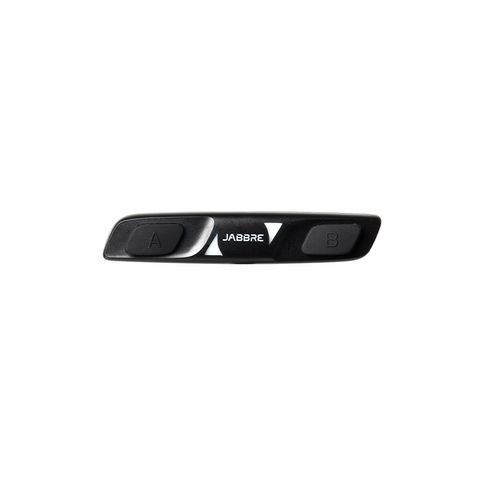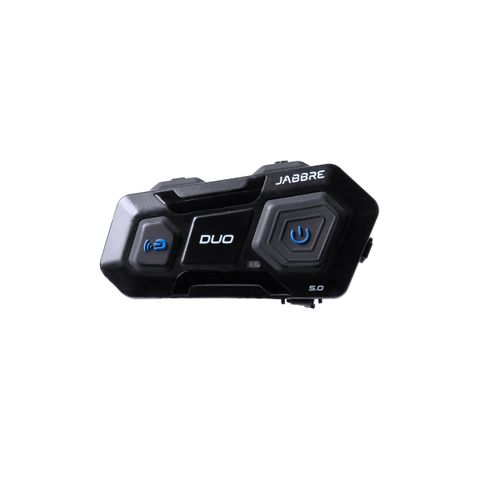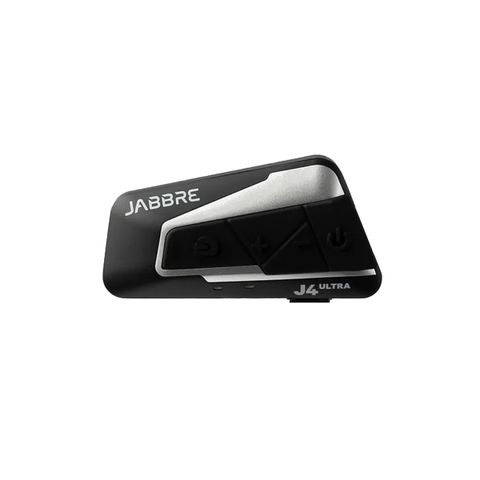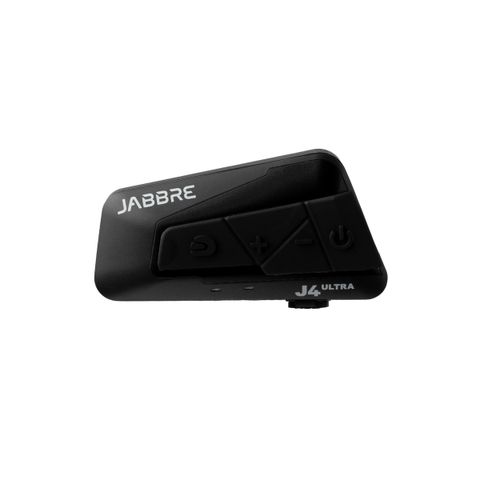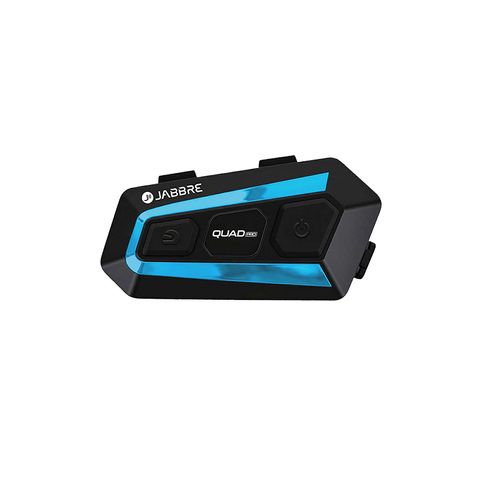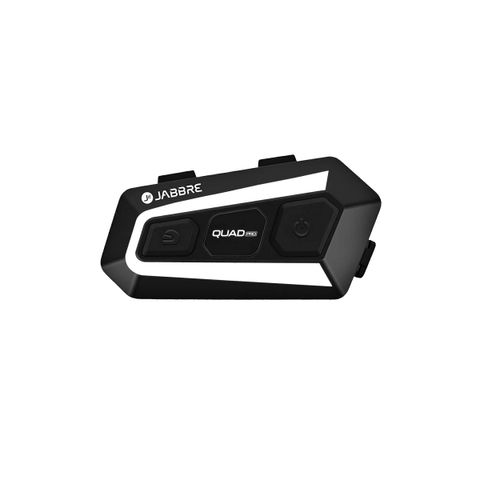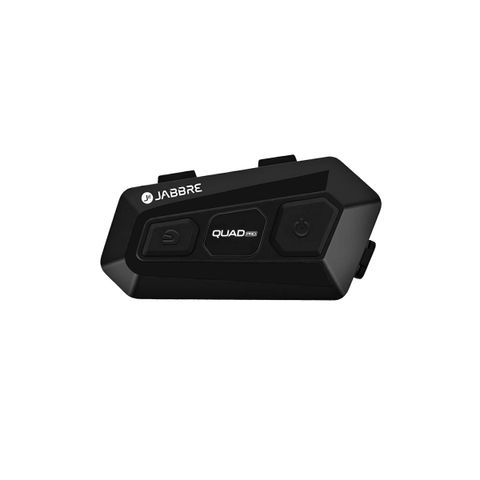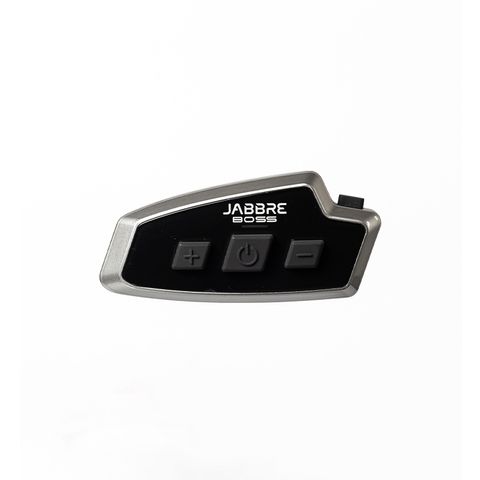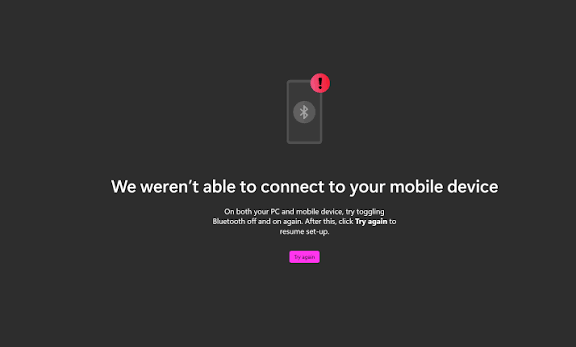
You turn on your motorcycle intercom, open Bluetooth on your phone, and... nothing.
The intercom doesn't appear. Or it appears but refuses to connect.
Before assuming the intercom is broken, there are several simple things you can check.
1. Make Sure the Intercom Is in Pairing Mode
Simply turning on the intercom doesn't always mean it is ready to pair with a phone.
Put the intercom into Bluetooth pairing mode according to its instructions. Look for the Bluetooth indicator or voice prompt confirming that it is ready to connect.
If it is already connected to another phone, it may also need to be disconnected before a new device can pair.
2. Turn Bluetooth Off and On Again
It sounds too simple, but Bluetooth connections can occasionally get stuck.
Try this:
Turn Bluetooth off on your phone.
Wait a few seconds.
Turn it back on.
Search for the intercom again.
If that doesn't work, restart both the phone and the intercom.
3. Forget the Old Connection
This is one of the most common reasons a previously paired intercom refuses to reconnect.
On your phone, go to Bluetooth settings, find the intercom and select Forget This Device or Unpair.
Then put the intercom back into pairing mode and start the connection again.
This creates a fresh Bluetooth connection instead of trying to reuse an old pairing record.
4. Check If the Intercom Is Connected to Another Device
Your intercom may already be connected to another phone.
This can happen when you regularly use the same intercom with different devices.
Turn off Bluetooth on nearby phones or disconnect the intercom from the other device before trying again.
5. Keep the Phone Close During Pairing
During initial pairing, keep the phone close to the intercom.
Bluetooth is designed for short-range wireless communication, and although the connection can work over several meters, pairing is best done with the devices close together and with minimal interference.
Once paired, you can put your phone safely in your pocket or motorcycle mount.
6. Check Your Phone's Permissions
Some Android phones may require Bluetooth-related permissions for certain Bluetooth functions or companion applications.
If you're using an intercom app, make sure the required permissions are enabled.
On iPhone, also check that Bluetooth access is enabled for the relevant application if the app requires it.
7. Check the Battery
A very low battery can sometimes cause unexpected behavior.
Before spending time troubleshooting the connection, charge the intercom and try pairing again.
It is a simple check that can save a lot of frustration.
8. Still Not Working? Reset the Connection
If you've tried everything above, check the manufacturer's instructions for a Bluetooth reset or factory reset.
Remember that a factory reset may erase existing pairing information, so you'll need to reconnect your devices afterward.
What About Jabbre?
The same basic Bluetooth troubleshooting principles apply to Jabbre intercoms.
If your Jabbre isn't connecting to your phone, start with the basics:
Pairing mode → Forget old connection → Restart → Pair again.
And if you're still having problems, Jabbre's customer support can help troubleshoot the unit rather than leaving you to figure it out alone.
That's an important part of owning an intercom.
Technology is supposed to make your ride easier—not make you spend your morning arguing with your Bluetooth settings.
When your intercom won't pair, don't panic. Start simple, reconnect properly, and get back to the ride.